How to Tell Which Google Ads Controls Actually Control Anything
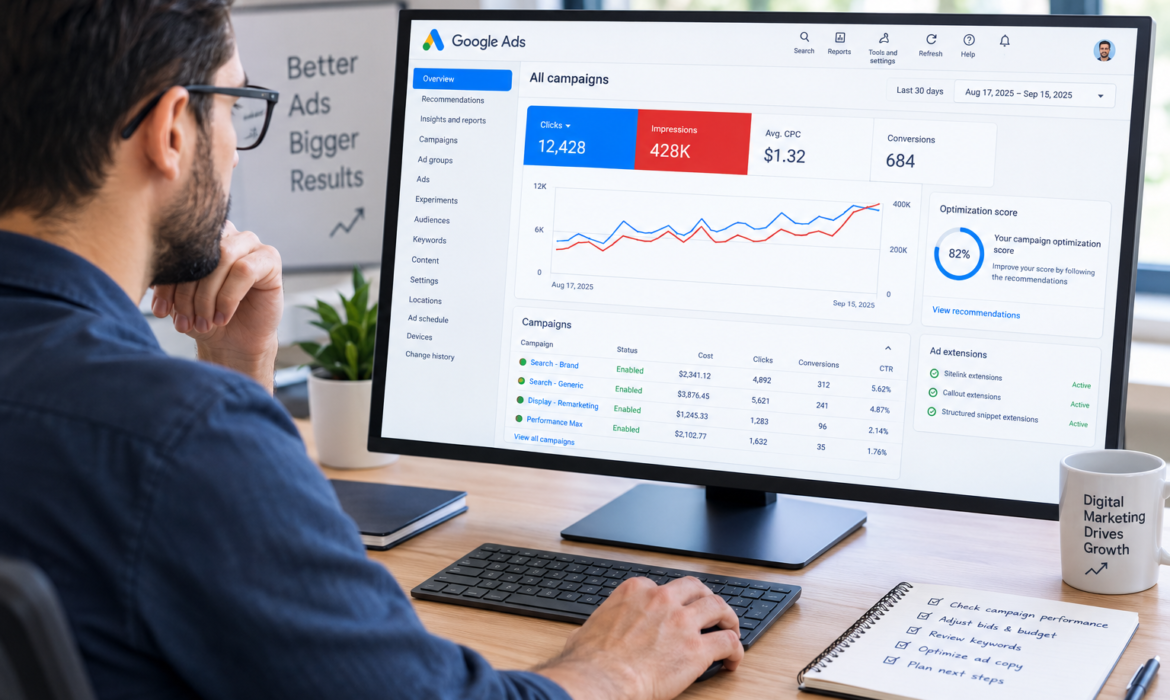
Google Ads can sometimes feel like sitting in a cockpit with 200 switches, most of which are named in a mysterious way. You change a setting, wait for results and wonder if anything even happened. Some controls directly affect who sees your ads and how much you pay.
Some only affect delivery in certain cases, and a few are more about reporting than actual campaign behavior. Understanding what Google ads controls are really worth it can save you money, time and a lot of troubleshooting that is unnecessary. In this guide, we will see how Google ads controls actually does its work. So, let’s dive in, shall we?
Start With the Question: What Are You Trying to Control?
Before making any changes, know what you want to change. Want to control spend, target a specific audience, improve clicks, grow conversions or filter out irrelevant traffic? Every setting has a reason, but not every setting has the same authority.
For instance, a daily budget has a direct relationship with spending, while an audience signal may influence who Google considers relevant without guaranteeing that only those people will see the ad. That distinction is important because many Google ads controls are about influencing a system, not dictating it.
The Controls With the Most Direct Impact
There are some fairly straightforward configurations. Your campaign budget is how much you are willing to spend over time. Bidding controls affect how Google competes for available ad opportunities. Location targeting is used to specify the geographical regions you want to reach. Language settings are used to define the users your campaign is intended for.
These are the settings you would look at first if performance suddenly changes. For example, if your spending is higher than expected, just looking at the creative quality won’t solve the problem. Most of the strongest Google ads controls tend to have a direct link to money, eligibility or delivery.
Targeting Is Not Always a Hard Boundary
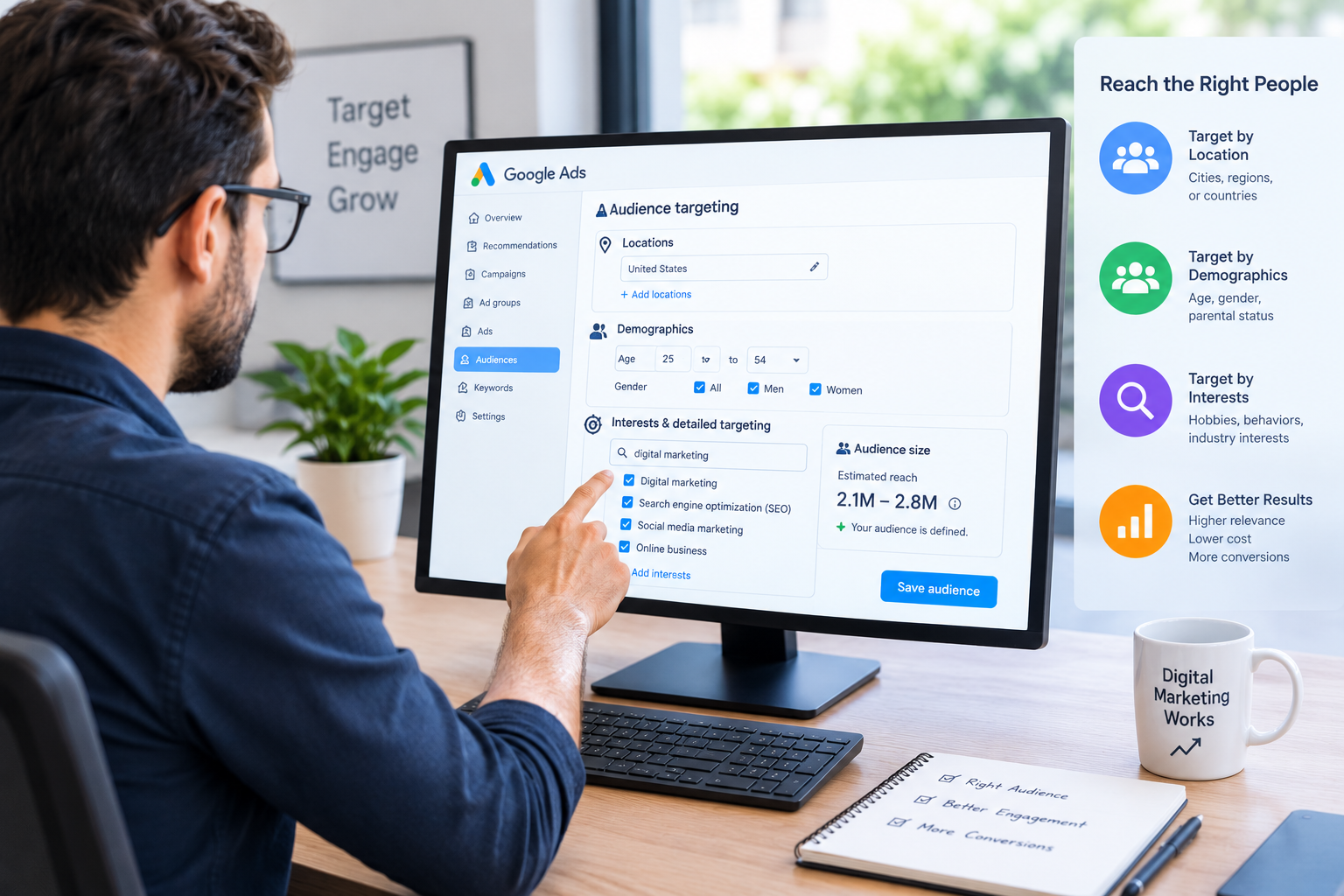
This is where Google ads get a little less intuitive. Advertisers often think that when they pick an audience, they’re telling Google to only show their ads to that audience. Some audience features are more signals to help Google understand who might be valuable. Others have tighter restrictions.
Same thing for keywords and search behavior. Just because you add a keyword doesn’t mean your ad will show up only when someone types in that exact phrase. One of the most useful lessons from Google ads controls is to understand the difference between a restriction and a signal. If you mistake a recommendation or signal for a hard rule, you may spend hours trying to fix a problem that the setting was never designed to solve.
Match Types: Helpful, but Not Magical
Search campaigns are another classic example. Keyword match types determine what searches can trigger ads, but should not be read as simple on/off switches. A keyword can match to searches related in meaning or intent, rather than just repeating the words you typed. That can expand your reach, but it can also bring up searches you didn’t expect. Search terms still matter because they give you a clue to what actually triggered your ads.
If traffic seems too broad, don’t automatically add dozens of negative keywords. First, know how your keyword strategy works with Google’s interpretation of intent. Keyword targeting is powerful among all the Google Ads controls because it works in conjunction with Google’s matching systems rather than in isolation.
Budget Does Not Guarantee Delivery
It’s easy to think of your budget as a simple spending limit: add an amount and expect Google to spend that exact amount each day. Actually, campaign spending and delivery can vary based on demand and the campaign’s settings. More conversions don’t automatically come from larger budgets. If you have a small number of opportunities that meet your targeting and bidding needs, then increasing the budget may not make the difference that you expect.
That’s why the budget should be considered in tandem with bidding, targeting, conversion goals and available search or audience demand. So, one of the most misunderstood Google ads controls is the budget itself: it controls spending capacity, not business results.
Bidding Settings Can Change the Game
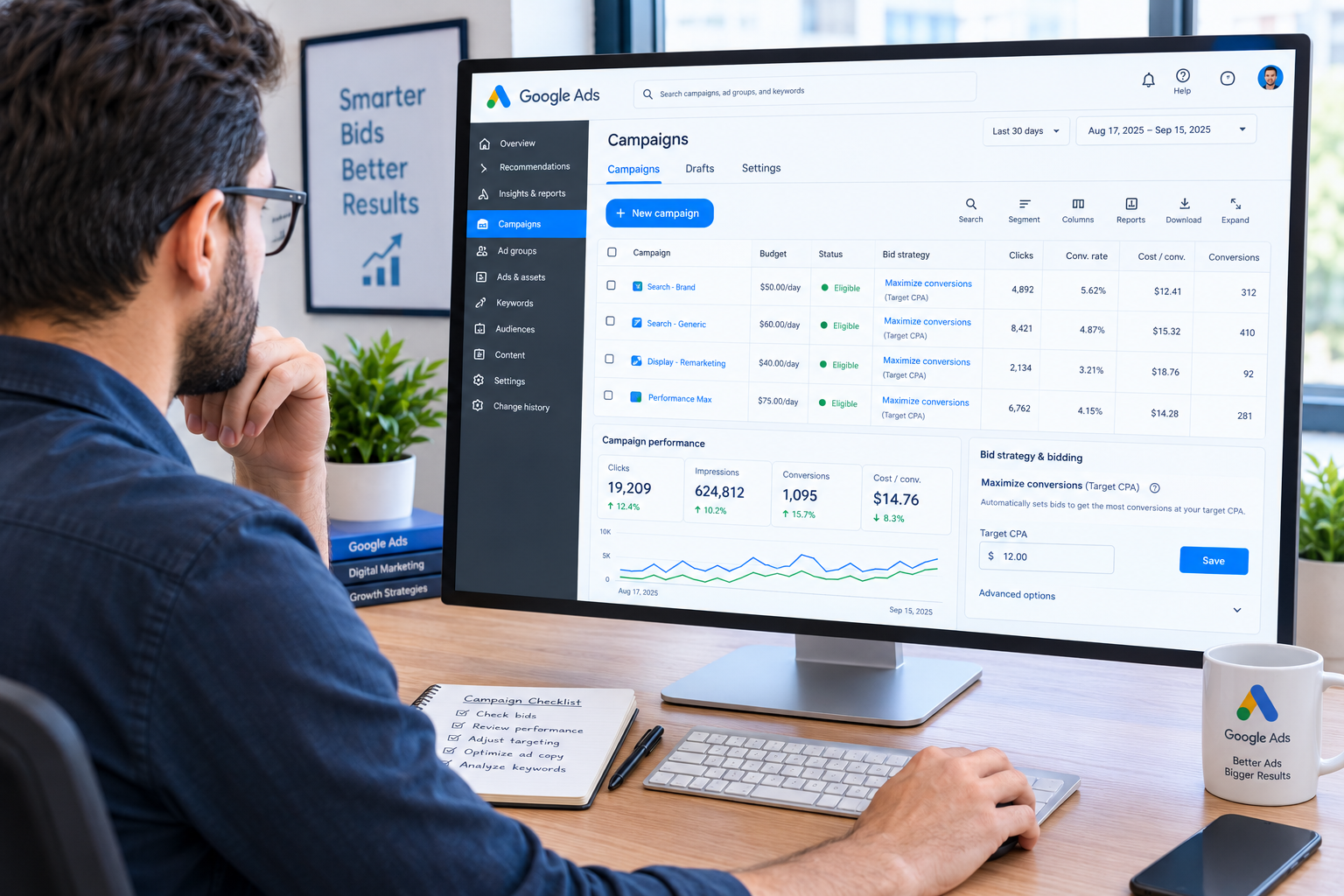
How Google will go about getting available ad opportunities is determined by bidding strategies. Depending on the strategy, the system can focus on clicks, conversions, conversion value, visibility or any other defined objective. Thus, changing a bidding strategy can have consequences beyond the bid amount itself. It can change what opportunities the system finds attractive, how hard it fights for them.
Make sure you have enough solid conversion data on your campaign and that the goal you picked is what you truly want before you change your strategy. There’s no magic wand to make conversion data appear out of nowhere. It can only optimize with what information and signals it has at its disposal. That makes bidding one of the most consequential Google ads controls to change thoughtfully.
Not Every Setting Deserves Immediate Attention
Google Ads has a lot of options, suggestions, experiments, reporting columns and advanced settings. The sheer number can make it seem as though every change should receive equal attention. Well, it doesn’t. Changing an insignificant display preference isn’t going to fix your campaign. If conversions are not being tracked properly, then reworking ad copy is not the first problem to solve.
Moreover, if your ads are showing up in the wrong places, changing the headline probably won’t fix the targeting issue. Imagine Google ads controls as layers. While some decide if an ad can be included in an auction, others decide what auction opportunities are attractive. And some tell you what happens after the click, others just help you understand the results.
Learn to Separate Cause From Correlation
The most common way to misunderstand Google ads is to change three settings at once. Performance improves, and suddenly you have no idea which change helped. Instead, make deliberate, meaningful changes and give the campaign enough time and data to produce a useful comparison when appropriate.
Note budget changes, targeting changes, bidding changes, landing-page changes and large creative changes. That makes your account something that you can actually learn from. You start to see which settings affect which results, rather than pulling Google ads controls at random like the levers of a slot machine.
Use the Account Like a System, Not a Dashboard
The most effective approach to Google ads is to cease considering each setting as an individual button. Campaigns are systems of inter-related elements. Budget drives available spend. Targeting influences to eligible traffic. Bidding affects participation in auctions. Conversion tracking influences optimization. The ad’s relevance is how well your message speaks to the people who are seeing it.
If something isn’t working, follow the chain, not change the most visible setting first. Ask: what’s different? Which part of the campaign does this setting actually affect? Is this a hard constraint, an optimization signal or simply a reporting preference?
Those questions can reveal whether a setting deserves your attention. Ultimately, understanding Google ads controls is less about memorizing every option inside the platform and more about knowing which levers have genuine influence. Once you can separate direct controls from signals, recommendations and reporting features, Google ads become considerably less mysterious, and your optimization decisions become much more deliberate.
Explore Our Digital Marketing Services
Our Core Services
AI SEO Services
SEO by Location
SEO by Industry
Law Firm SEO Services
Healthcare SEO Services
Real Estate SEO Service
Dental SEO Services
Chiropractic SEO Services
HVAC SEO Services
Car Dealer SEO Services
Catering SEO Services
Fitness SEO Services
Gym Trainer SEO Services
Jewelry SEO Services
Limousine SEO Services
SEO for Luxury Travel
Insurance Agents SEO Services
Junk Removal SEO Services
Small Business SEO Services
Yoga Studio SEO Services